New Delhiย ยทย ย IST

Voomo
:
a Webflow site with 10,000+ CMS items

Voomo is an AI video platform that turns documents, slides and text into branded videos with avatars and voiceovers. I built the site in Webflow from Voomo's designs, planned the CMS architecture and wrote the custom code that keeps 10,000+ items in order.

Built from the client's designs
ยท Case study 02 of 05
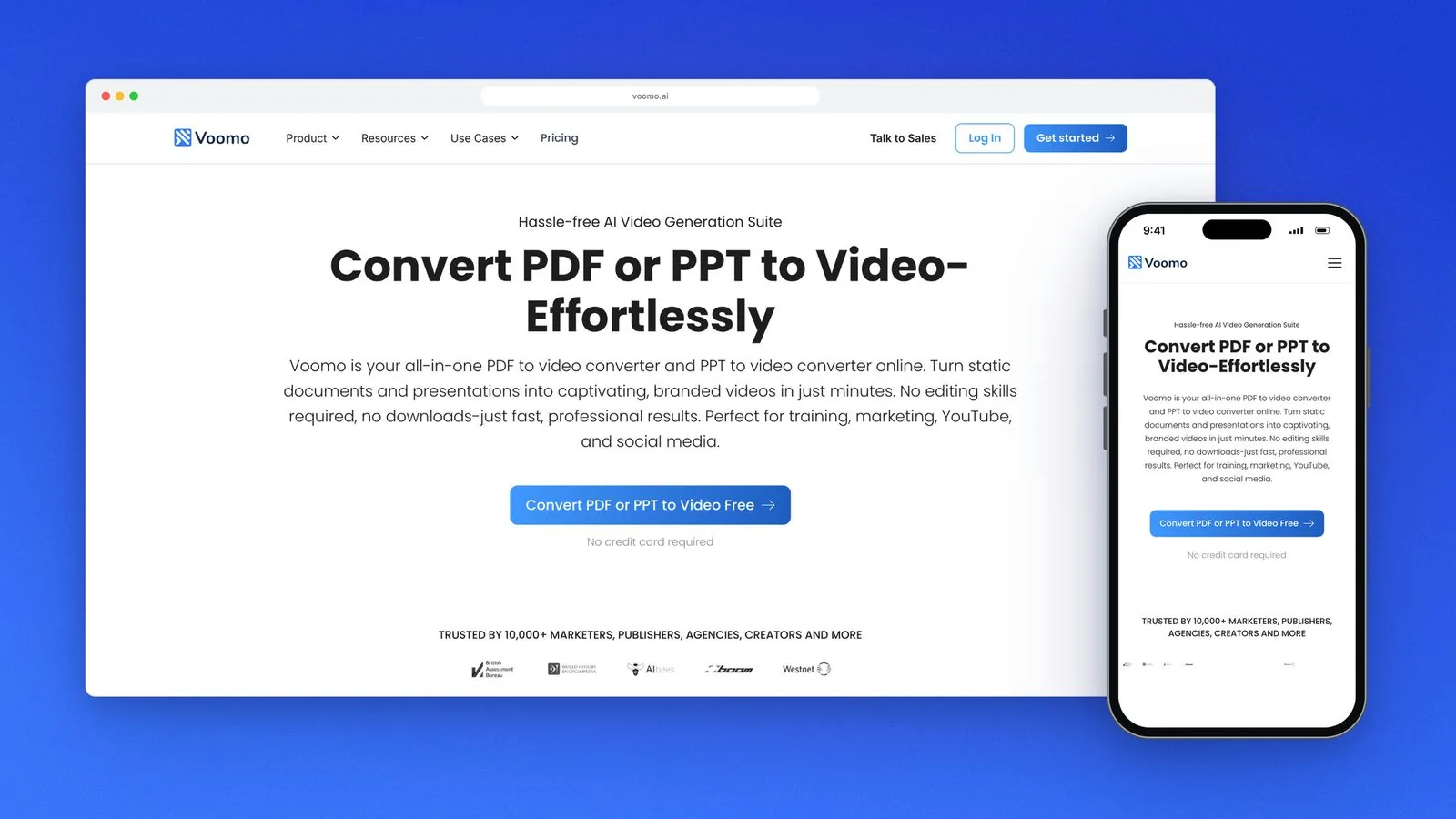
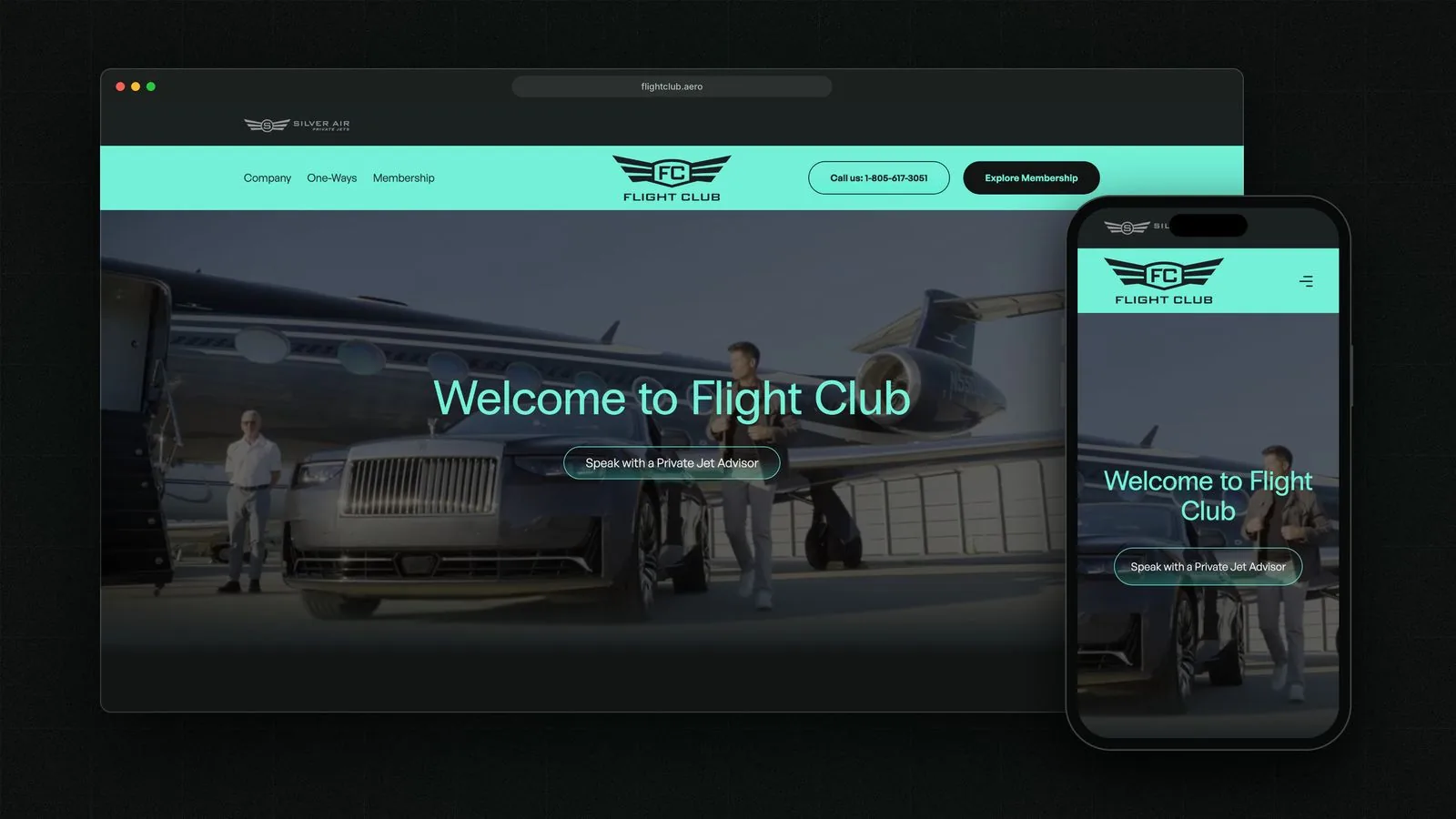
Voomo's pages, built in Webflow from the client's designs.
01 ยท The brief

The brief what
Voomo
needed

Voomo is an AI video platform: you give it a PDF, a slide deck or a script, and it produces a branded video with an AI avatar and a voiceover. Its marketing site carries far more than a homepage. There are pages for each tool, comparison pages against other video tools, and a busy blog, and together they ran past 10,000 CMS items.

Voomo's team supplied the designs, so my job was the build: a CMS architecture that kept that volume quick to edit and easy to find, and custom code for the parts Webflow can't do on its own. Success meant a site that matched the designs on every screen, stayed fast (it scored 92 on PageSpeed), and that Voomo's team could keep publishing to without a developer for every change.
Three constraints shaped the build

  1. 01

    The designs were fixed

    Voomo's team supplied the designs. My job was to build them in Webflow exactly as drawn, on phone and desktop.

  2. 02

    10,000+ CMS items

    Content at a volume where the CMS structure decides whether the site stays quick and easy to edit.

  3. 03

    Code where Webflow stops

    Some features needed more than Webflow's native lists and interactions, so they ran on custom code.

02 ยท Key decisions

Key decisions and why I made them

Three calls that shaped the build, each with the reason behind it and what it cost.

  1. 01

    CMS collections split by content type

    Decided
    A separate collection for each kind of content, linked by reference fields, instead of one catch-all collection.
    Why
    At 10,000+ items, small focused collections stay quick to edit, filter and template.
    Trade-off
    More collections to plan up front, and every new content type needs its own template.
  2. 02

    Custom code where Webflow stops

    Decided
    Custom scripts for the features Webflow's CMS can't handle natively, loaded only on the pages that use them.
    Why
    Loading code only where it's needed kept the pages fast. The site scored 92 on PageSpeed.
    Trade-off
    Custom code needs a developer to change, so I kept it to the few features that need it.
  3. 03

    Client-First naming throughout

    Decided
    Finsweet Client-First classes on every page.
    Why
    Any developer who works on the site after me can read the class names and find their way around.
    Trade-off
    Client-First names are longer than ad-hoc ones, and keeping them consistent takes discipline.
04 ยท The stack

The stack what the site runs on

The numbers and tools behind the live site.

92
PageSpeed ยท mobile score

What will your site cost? Find out in two minutes

Build your estimate

Pick your services, answer a few quick questions and watch the price and timeline build as you go. No email needed to see it.

  • A price range and timeline, worked out from my real prices
  • Fixed price confirmed on a 30-minute call
Price your project

Rather talk it through? Book a call

Case study
Price in two minutes
Price estimate