The Webflow SEO checks to run before launch, in order: staging, canonical, CMS meta, redirects, schema, Core Web Vitals and Search Console.
Cover · a finished client build
11
min read
A Webflow site is ready for search when Google can find one clean version of every page, each page says clearly what it's about, and the pages load fast on a phone. This checklist covers those three jobs in the order I run them before and on launch day. Every setting named here is in Webflow's Site settings or Page settings as of October 2026.
Copy the block below into your launch doc and tick it off. The sections after it explain each step and the settings that most often go wrong.
The short answer: the checks, in order
Run the checks in this order: block staging and set the canonical domain, write titles and meta descriptions, fix headings and alt text, set redirects, add schema, test speed, then publish and tell Google. The order matters, because the early steps change URLs and the late steps tell Google about them.
BEFORE LAUNCH
[ ] 1. Staging indexing OFF (Site settings > SEO > Indexing)
[ ] 2. Default domain set (www) + global canonical URL matches it
[ ] 3. Unique SEO title + meta description on every static page
[ ] 4. CMS template titles/descriptions built from fields
[ ] 5. One H1 per page; headings in order; alt text on every meaningful image
[ ] 6. Images converted to AVIF or WebP; Open Graph image on every template
[ ] 7. 301 for every old URL; test the top 20
[ ] 8. JSON-LD schema on key templates; valid in Rich Results Test
[ ] 9. PageSpeed Insights on home + one CMS page (mobile)
[ ] 10. Utility pages (thank-you, 401, style guide) set to noindex

LAUNCH DAY
[ ] 11. Publish to the custom domain; check robots.txt and /sitemap.xml
[ ] 12. Verify Search Console; submit /sitemap.xml
[ ] 13. URL Inspection on the homepage + 3 key pages; request indexing

FIRST 30 DAYS
[ ] 14. Weekly: Page indexing report, 404s, Core Web Vitals report
Before launch: block staging and set the canonical domain
Turn off staging indexing and set one canonical domain before anything else. Otherwise Google can find two copies of your site, the webflow.io staging address and your real domain, and has to guess which one to rank. Both take a couple of minutes. The staging setting needs a paid Site plan or Workspace.
In Site settings, open SEO, then Indexing, and switch Staging indexing off. Webflow's article on disabling search engine indexing (updated 29 Apr 2026) says this publishes "a unique robots.txt only on the subdomain that tells search engines to ignore this domain." Your live domain is unaffected.
Next, pick the default domain in Site settings, Publishing, Production. Webflow recommends the www version, and every other connected domain then redirects to it. Then set the Global canonical tag URL in the SEO tab. Webflow's canonical tag article (updated 19 May 2026) gives three rules: it must match the default domain, include https://, and leave off the trailing slash.
WarningA trailing slash in the global canonical URL gives every subpage a canonical with a double slash, such as https://www.example.com//about. Paste the domain only.
Titles and meta descriptions for static pages and CMS templates
Every page needs its own title and meta description, written for the page's main search. Static pages get them typed in Page settings. CMS template pages get a pattern built from Collection fields, so a hundred blog posts get a hundred unique titles from one setting.
Google sets no fixed title length. Its title link documentation (updated 10 Dec 2025) says titles are truncated "as needed, typically to fit the device width," and warns against boilerplate titles that differ by one word. I aim for about 50 to 60 characters with the main phrase near the front, and about 120 to 160 characters for the description.
On a CMS template, open Page settings and use Add field in the SEO title and Meta description boxes. A pattern I use for blog posts is the post's SEO title field, then a separator, then the brand name. Give each Collection a dedicated SEO title and SEO description field, so editors can write for search without changing the visible headline. Plan these fields when you design the Collection. My post on Webflow CMS limits covers Collection planning in more detail.
Open Graph controls how a page looks when someone shares it. In the same Page settings panel, tick the boxes to reuse the SEO title and description, and pick an Image field for the Open Graph image. Webflow's Open Graph article (updated 7 Sep 2026) says you can't set one on a CMS template if the Collection has no Image field, and that images in a Collection should share the same dimensions. Facebook recommends images at least 1,080 pixels wide.
Headings, alt text and images
Each page gets one H1 that says what the page is, with H2s and H3s in order below it. Every image that carries meaning gets alt text describing what it shows. Large photos get converted to AVIF or WebP before launch, because heavy images are one of the usual reasons a Webflow page loads slowly.
Webflow lets you set a heading tag separately from its style, so it's easy to end up with three H1s that look like H2s. Open the Navigator on each template and read the heading tags in order. A screen reader user moves through the page in that order.
Google's image SEO guide (updated 2 Mar 2026) calls alt text "the most important attribute" for image metadata, and asks for short, descriptive filenames instead of names like image1.jpg. Rename files before uploading, because the filename becomes part of the image URL. Set alt text on the asset in the Assets panel, then check that CMS image fields have their own alt text.
Webflow's image conversion tool (updated 7 Sep 2026) converts JPEG and PNG assets to AVIF or WebP and updates every placed copy on the canvas. Google Search supports both formats. Leave SVG logos and icons as SVG.
Sitemap and robots.txt
Webflow generates the XML sitemap for you at /sitemap.xml and keeps it current as you publish. Your job is to keep pages out of it that shouldn't rank, and to make sure robots.txt doesn't block anything you want found. Check both on the live domain after the first publish.
The setting is Auto-generate sitemap, in Site settings, SEO, Sitemap (Webflow sitemap article, updated 19 Aug 2026). To keep a page out, open its Page settings and switch off Sitemap indexing. That adds a noindex tag and removes the page from the sitemap. I do this for thank-you pages, the password page, style guides and any landing page built only for ads.
Leave robots.txt mostly alone. Webflow's indexing article notes that robots.txt "can't be fully removed once created" and doesn't remove pages that are already indexed. To drop an indexed page, use noindex, not a robots.txt rule.
Redirects: old URLs, trailing slashes and the CSV import trap
If the site replaces an older one, every old URL needs a 301 redirect to its closest new page before launch. Add them in Site settings, Publishing, 301 redirects. Use single rules for individual pages and wildcards for whole folders.
Webflow's redirect article (updated 19 May 2026) supports capture groups: /blogs/(.*) can redirect to /articles/%1. Redirects run in the order they were added, so put specific rules before broad wildcards. Webflow recommends 1,000 redirects at most as best practice.
Add JSON-LD schema in the Schema markup section of a CMS template's Page settings, with Collection fields bound into the values so each item gets its own data. For a blog, that's one BlogPosting block on the post template. Validate it, publish, and expect no special treatment for AI search.
Webflow's schema markup article (updated 27 Jan 2026) documents a Schema markup field in Page settings that outputs to the page's head. You can write the JSON-LD yourself or use Generate schema markup. One limit matters: the field doesn't support Reference, Multi-reference or Multi-image fields. If your author is a reference to an Authors Collection, add a plain text author name field to the post, or type the author in by hand.
Here is the BlogPosting block I put on post templates. The values in square brackets are where you insert Collection fields. Google's Article structured data guide (updated 8 Sep 2026) lists no required properties, and recommends headline, image, datePublished, dateModified and author.
Map plain text fields only. A double quote typed inside a title or summary ends the JSON string early and breaks the whole block, so check any field that might contain one.
Format dates as ISO 8601 when you bind them, such as 2026-10-13.
Use one location for schema. Putting the same block in the Schema markup field and in custom code duplicates it.
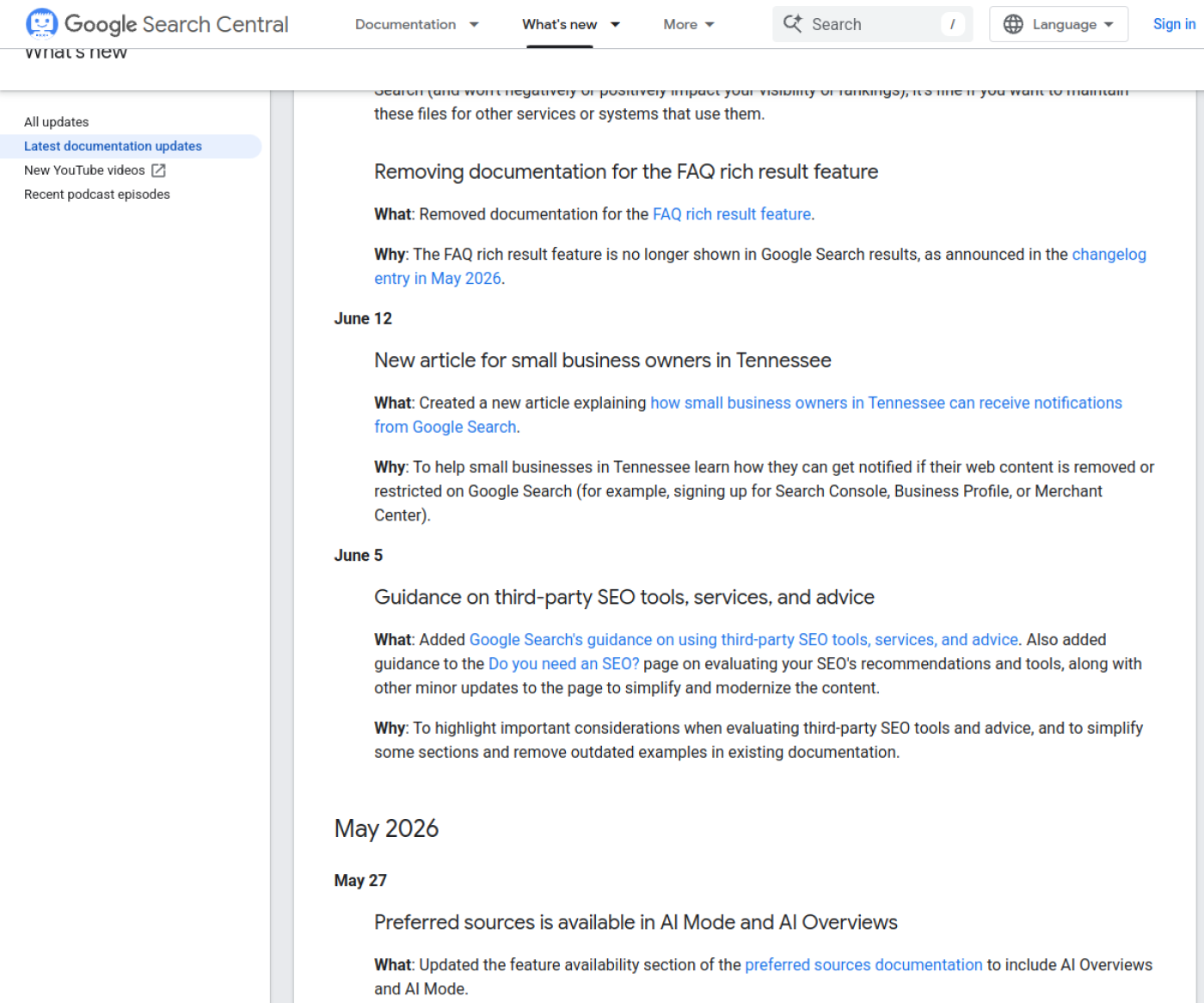
Leave FAQ schema off. Google's Search Central changelog says the FAQ rich result "will no longer appear in Google Search starting May 7, 2026," and the documentation was removed on 15 Jun 2026. Old FAQ blocks do no harm, but they no longer earn anything in results.
Google Search Central's documentation updates, showing the June 2026 entry that removed the FAQ rich result docs. Captured 13 Oct 2026.
Do you need llms.txt or special markup for AI search?
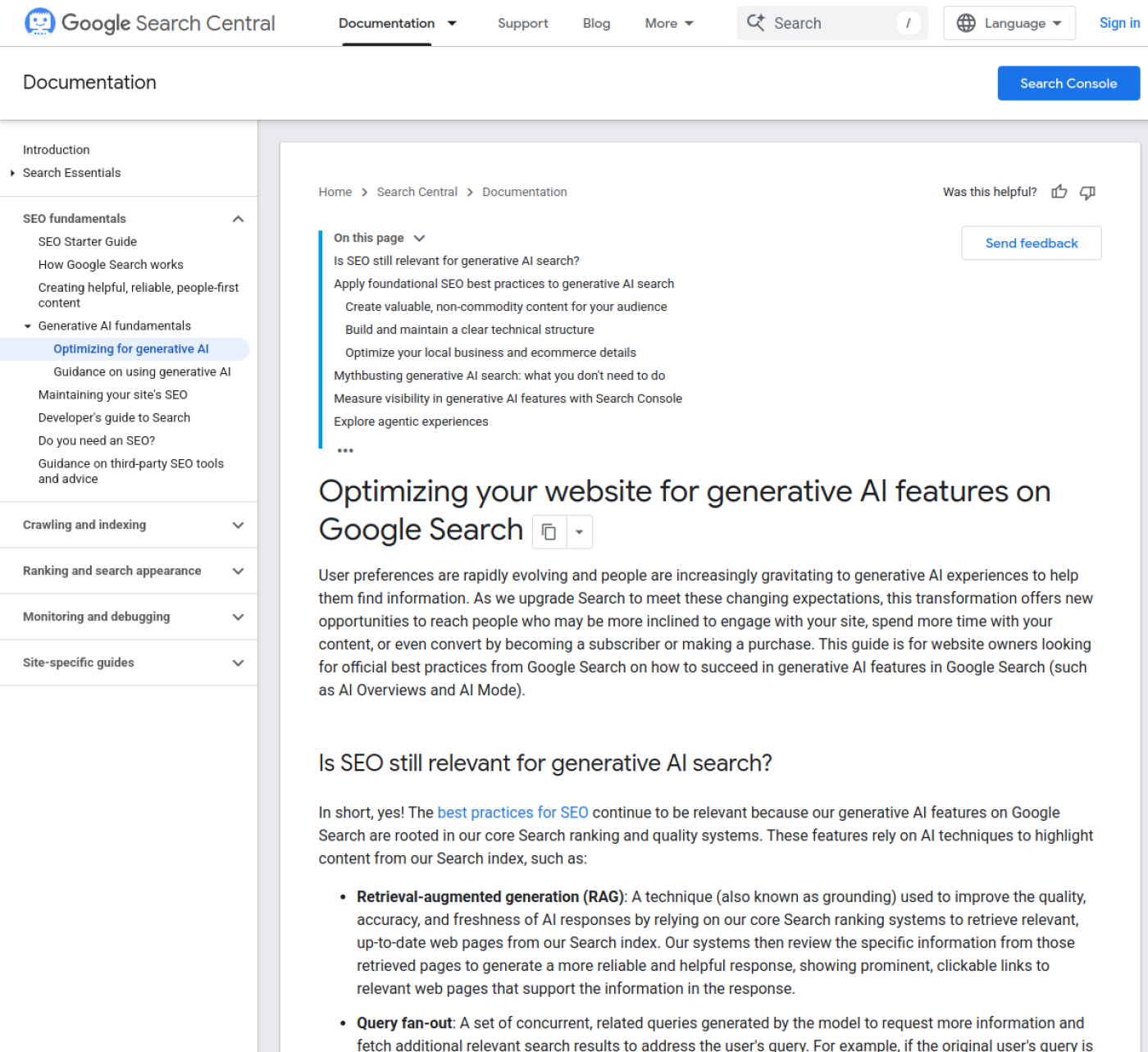
Not for Google. Google's guide to generative AI features in Search (updated 10 Jul 2026) says "there's no special schema.org markup you need to add" and that llms.txt files and similar formats aren't used: "Google Search itself doesn't use them." Ordinary SEO is the work.
Webflow agrees in its own post on llms.txt limitations (updated 6 Nov 2025): "An llms.txt file isn't an effective AEO strategy yet." It recommends structured data, answer-first writing and links between related articles instead. You can upload an llms.txt file in Webflow if you want one. I wouldn't spend launch week on it.
NoteGoogle says structured data isn't required for AI features, but it still recommends using it "as part of your overall SEO strategy." Keep schema for what it does in normal results.
Google Search Central, "Optimizing for generative AI features on Google Search", captured 13 Oct 2026.
Speed checks: Core Web Vitals and PageSpeed Insights
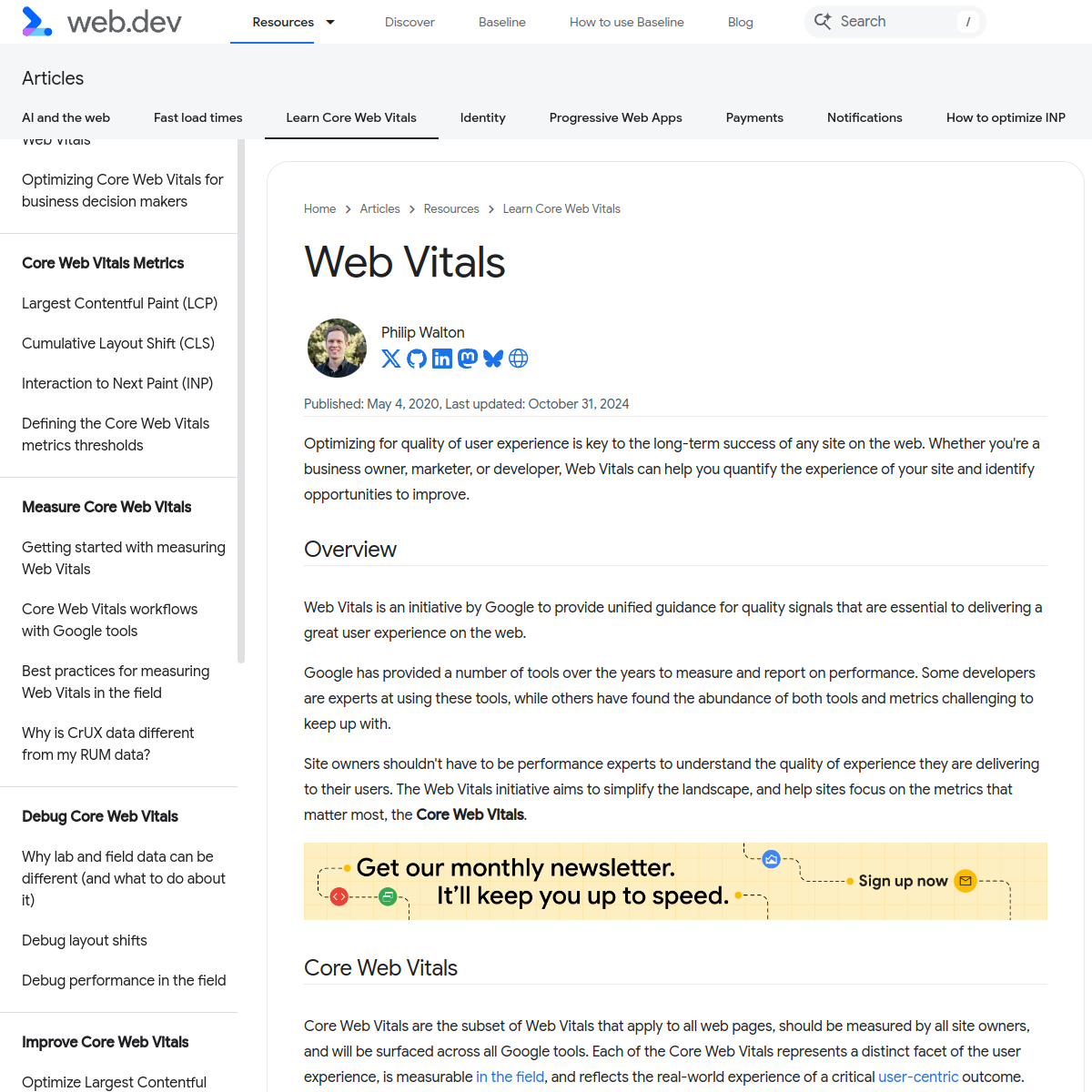
A page passes Core Web Vitals when it hits all three "good" thresholds at the 75th percentile of real visits: Largest Contentful Paint within 2.5 seconds, Interaction to Next Paint of 200 milliseconds or less, and Cumulative Layout Shift of 0.1 or less. These figures are from web.dev, as of October 2026.
Core Web Vitals "good" thresholds from web.dev, and what usually breaks them on a Webflow site, as of Oct 2026.
Metric
Good
Common Webflow cause when it fails
Largest Contentful Paint (LCP)
2.5 s or less
A large hero image or background video, or the hero image set to lazy-load
Interaction to Next Paint (INP)
200 ms or less
Heavy third-party scripts: chat widgets, several tracking tags, animation libraries
Cumulative Layout Shift (CLS)
0.1 or less
Web fonts swapping late, embeds and banners without a fixed height
A new site has no real-visit data yet, so PageSpeed Insights shows lab results until enough people visit. Test the homepage and one CMS page on mobile. I set the hero image to load eagerly, keep fonts to two families, and move scripts to before the closing body tag. With that approach, Voomo, a client build with 10,000+ CMS items, scored 92 on PageSpeed.
web.dev, "Web Vitals", captured 13 Oct 2026.
Launch day: publish, submit the sitemap, inspect key URLs
On launch day, publish to the custom domain, confirm robots.txt and /sitemap.xml load on the live domain, then verify the site in Google Search Console and submit the sitemap. Finish with URL Inspection on the homepage and your most important pages.
Publish, then open https://www.yourdomain.com/robots.txt and /sitemap.xml. The sitemap should list your live domain, not webflow.io.
In Search Console, add a URL-prefix property and choose the HTML tag method. Webflow's verification article says to paste only the ID from the tag's content value into the Google site verification field in the SEO tab, save, publish, then click Verify.
Submit sitemap.xml under Indexing, Sitemaps.
Run URL Inspection on the homepage and three key pages, and request indexing.
Check the old domain or old URLs one more time: each should return one 301, then a 200.
The first 30 days after launch
For the first month, check Search Console once a week. Look at the Page indexing report for pages Google found but didn't index, any new 404s, and the Core Web Vitals report once real-visit data starts to show. Fix what appears the same week, while it's still a short list.
Pages marked "Crawled - currently not indexed" need no action at first. Google's Page indexing report help says they "may or may not be indexed in the future" and don't need resubmitting. Pages marked "Duplicate without user-selected canonical" usually point back to step 2, so recheck the canonical domain. Each 404 with traffic or links gets a redirect.
One honest trade-off: this checklist gets a site indexed cleanly, and that's all. It won't make a page rank for a search it doesn't answer. If your pages are thin, a month spent writing better pages will do more than any setting on this list.
My SEO Launch Setup covers the launch-day SEO work on your Webflow site for $500 in about a week ($300 when I build the site), with Search Console checked before and after launch.
Open your site's Site settings, go to the SEO tab, and check two fields today: Staging indexing and Global canonical tag URL. If either is wrong, you've found the fix that matters most. For the rest of the list, see my Webflow SEO services or book a 30-minute call.
I'm Chirag Singh. I design and build Webflow sites at diyo.studio in New Delhi, and I write about what comes up on client builds.
Choosing a Webflow User Accounts alternative in 2026: Memberstack vs Outseta prices, Zapier, Make or n8n for old Logic flows, and a migration checklist.
Webflow maintenance in 2026: what Webflow hosting covers, what still needs a person, a monthly checklist, care plan prices and what a plan should include.
Webflow site speed in 2026: Core Web Vitals thresholds, field vs lab data, and the Webflow fixes for images, fonts, scripts and animation, in priority order.
How to hire a Webflow developer in India from the US, UK, UAE or Australia: time-zone overlap, payments and GST, IP contracts, data protection and prices.
Webflow vs Wix vs Squarespace in 2026: three-year costs, design control, CMS limits, SEO, speed and lock-in, and which one fits your team and growth plans.
Webflow AEO in 2026: the robots.txt rules, page structure, schema and third-party mentions that get a Webflow site cited by ChatGPT, Perplexity and Google.
Is Webflow good for SEO? Yes, for most marketing sites. What Webflow handles natively, its real limits as of October 2026, and who should pick another platform.
Webflow developer rates and cost in 2026 for the US, UK, UAE, Australia and India, from Upwork, Clutch and Webflow's partner directory, plus quote tips.
Framer vs Webflow in late 2026: current pricing, CMS limits, editing, SEO, languages and migration, with a plain guide to who should pick each platform.
Webflow pricing as of October 2026: Site and Workspace plans, seats, yearly billing, bandwidth, add-ons, ecommerce and what changes at your next renewal.
A build-ready Figma file for Webflow: auto layout, variables, layer names, components, breakpoints and CMS states, checked against Webflow's plugin rules.